
手上的雷蛇鼠标发现侧键映射还等装雷云特别麻烦,搞了半天都没成。
最终用AutoHotkey实现了,发现这个东西可玩性还挺高,记录一下。
下载程序
官网下载地址:https://www.autohotkey.com/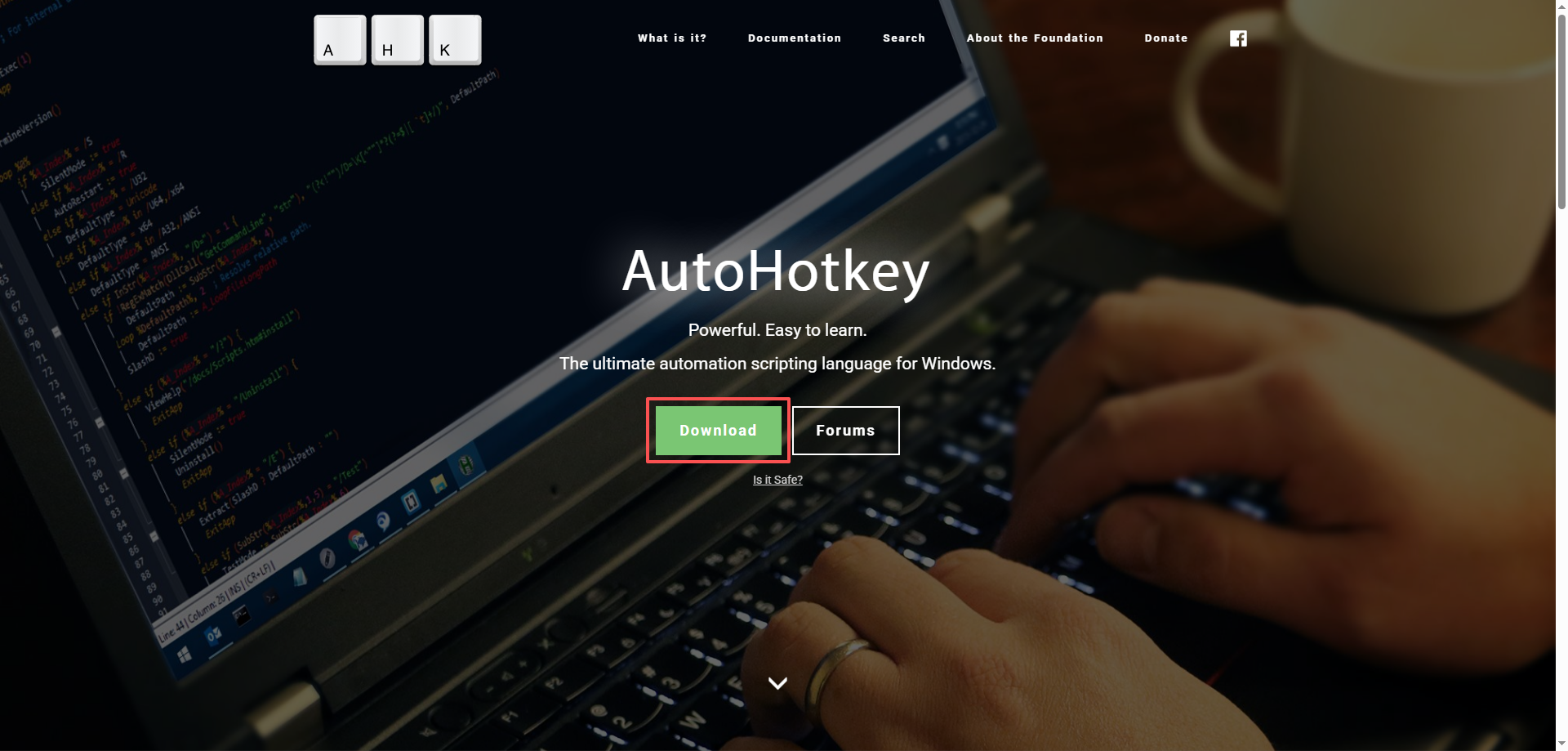
安装程序
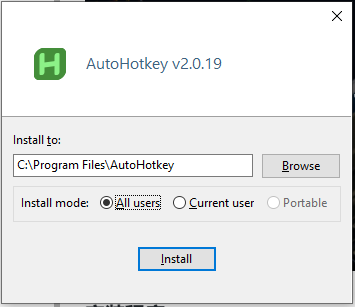
运行程序
在win里面搜索autohotkey,运行: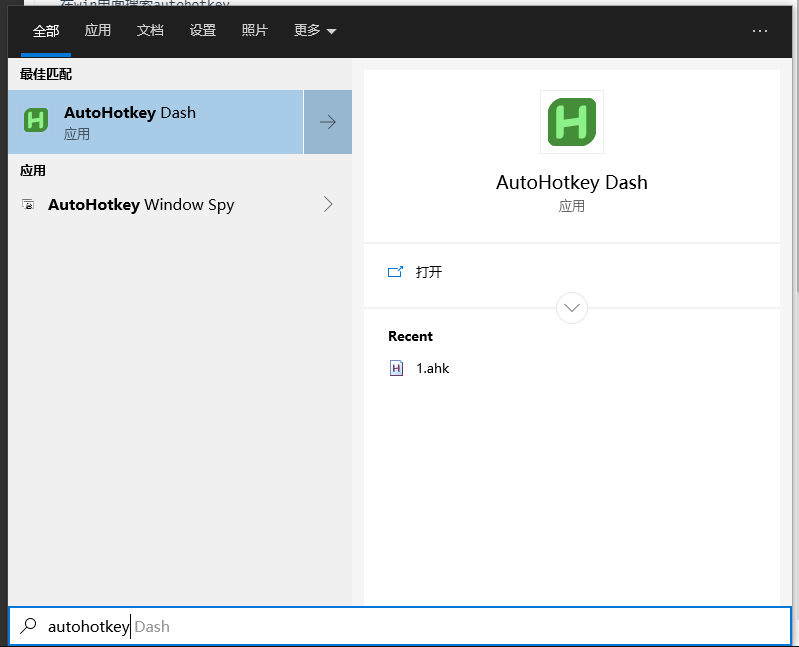
程序界面: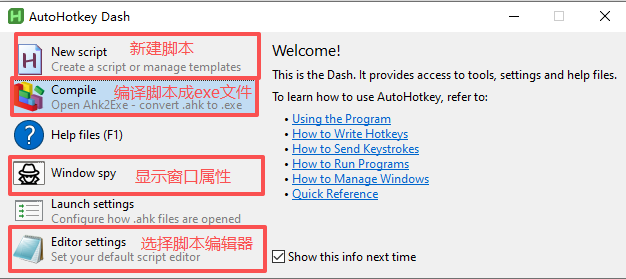
新建脚本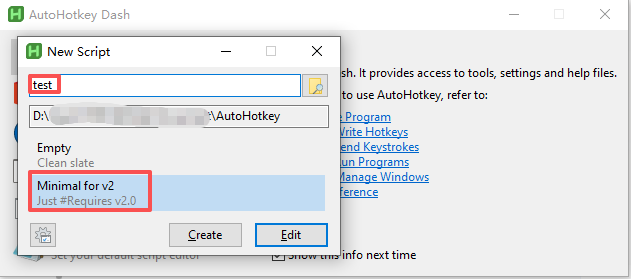
脚本示例
教学文档:https://www.autohotkey.com/docs/v2/Tutorial.htm
按键清单:https://www.autohotkey.com/docs/v2/KeyList.htm
编写脚本: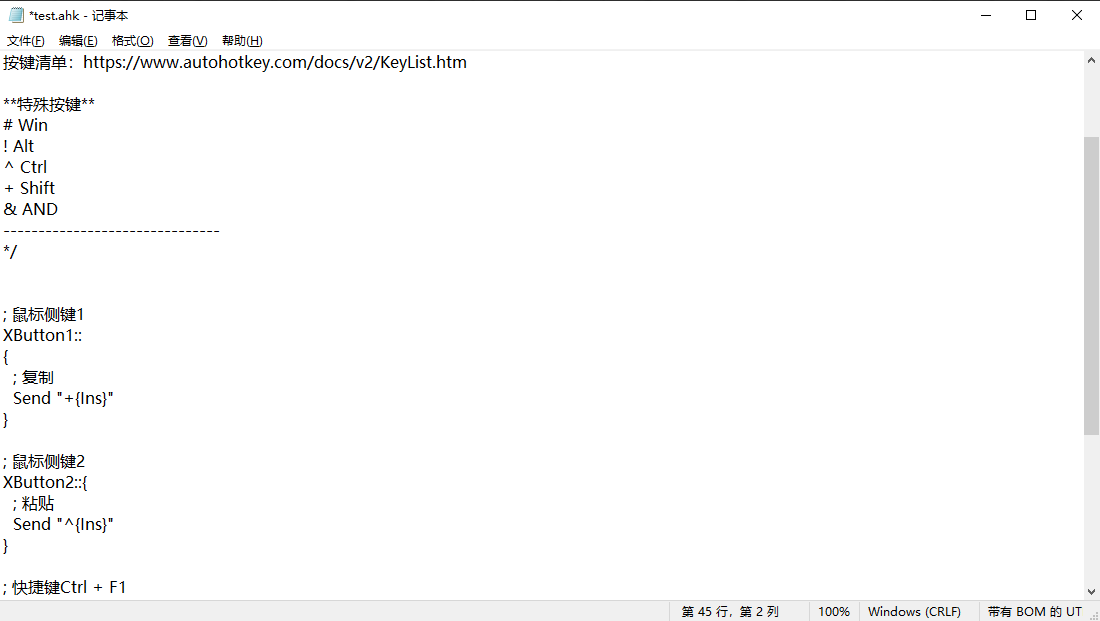
源代码:
#Requires AutoHotkey v2.0
/*
-------------------------------
【AutoHotkey v2.0 脚本提示】
**参考地址**
教学文档:https://www.autohotkey.com/docs/v2/Tutorial.htm
按键清单:https://www.autohotkey.com/docs/v2/KeyList.htm

**特殊按键**
# Win
! Alt
^ Ctrl
+ Shift
& AND
-------------------------------
*/


; 鼠标侧键1
XButton1::
{
  ; 复制
  Send "+{Ins}"
}

; 鼠标侧键2
XButton2::{
  ; 粘贴
  Send "^{Ins}"
}

; 快捷键Ctrl + F1
^F1::
{
    ; 输入纯文本
    SendInput "{Text}123456!@#$%^"
}


; 快捷键Ctrl + F2
^F2::
{
    ; 打开网页
    Run "https://www.baidu.com/s?wd=AutoHotkey"
}
运行脚本
保存脚本后,直接双击运行脚本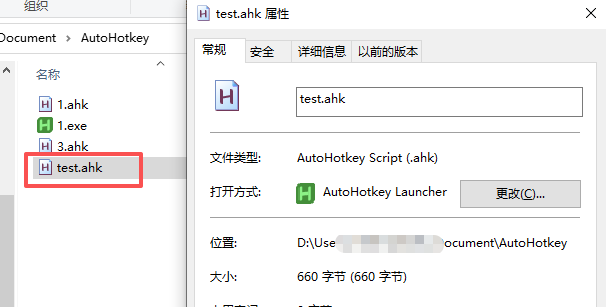
任务栏出现图标,无报错则表示脚本正常运行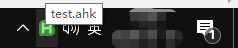
测试映射
按组合快捷键Ctrl + F2,则会打开百度搜索AutoHotkey
修改、重载脚本
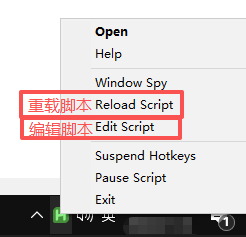
开机自启动
Win + r运行shell:startup,打开启动目录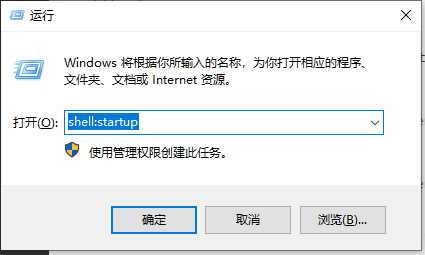
鼠标右键 –> 新建 –> 快捷方式,填入对应的脚本路径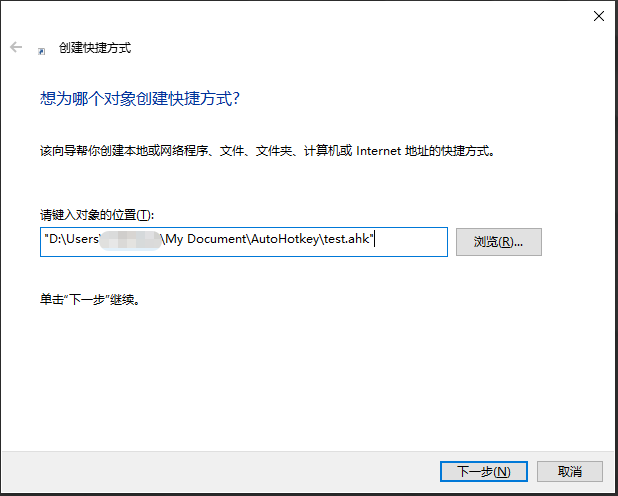
赏
使用支付宝打赏
使用微信打赏
若你觉得我的文章对你有帮助,欢迎点击上方按钮对我打赏